TilePlayer
A downloadable tool for Windows
TilePlayer
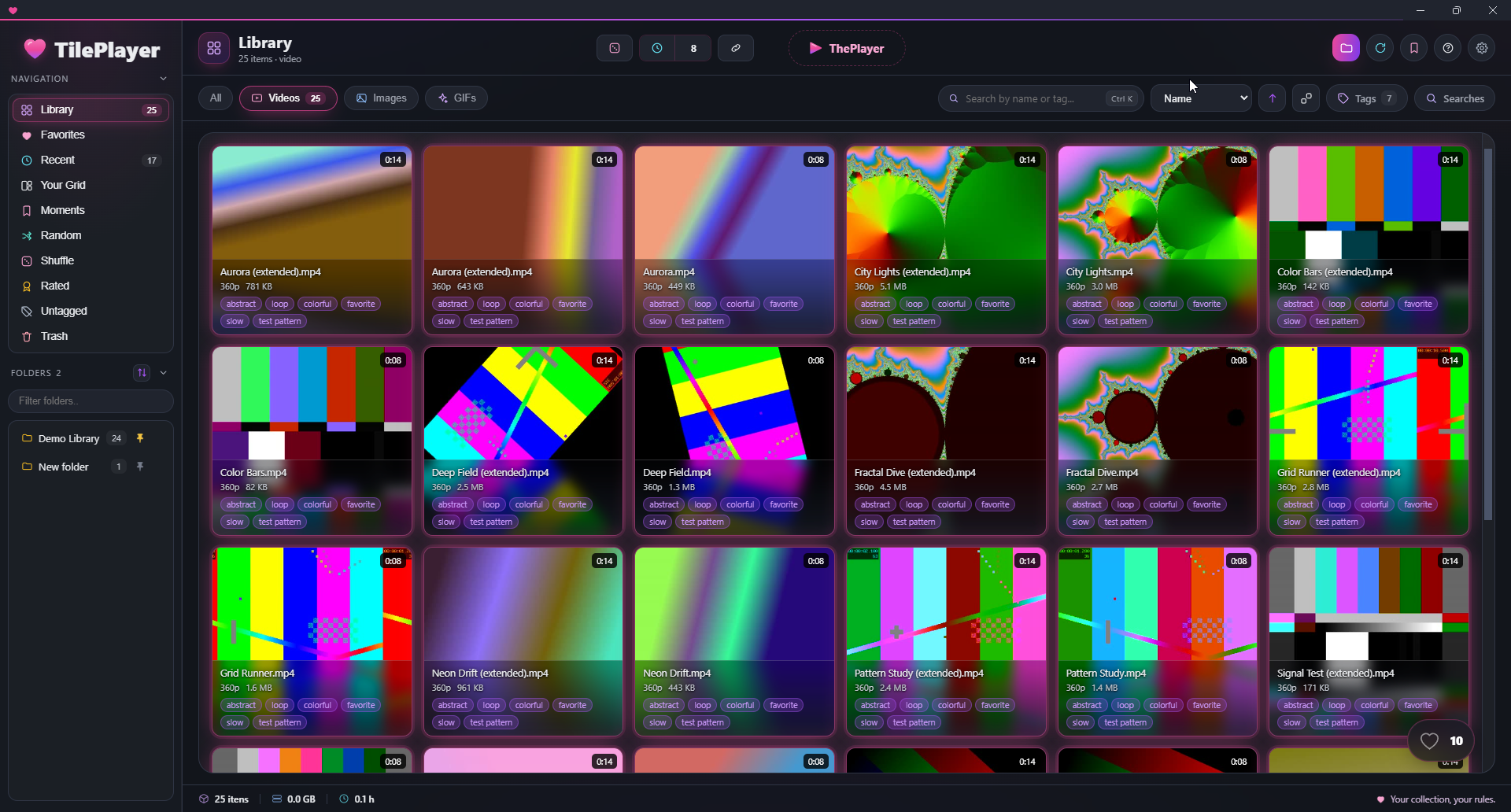
A local library organiser for people whose video folder got out of hand.
TilePlayer indexes folders you point it at, builds thumbnails, and lets you find things again — by folder, by tag, by search, or by luck. Everything stays on your machine. The app works with no internet connection.
It is built for libraries that are already too big: it never loads everything at once, and it stays responsive on tens of thousands of files.
The grid player is the point
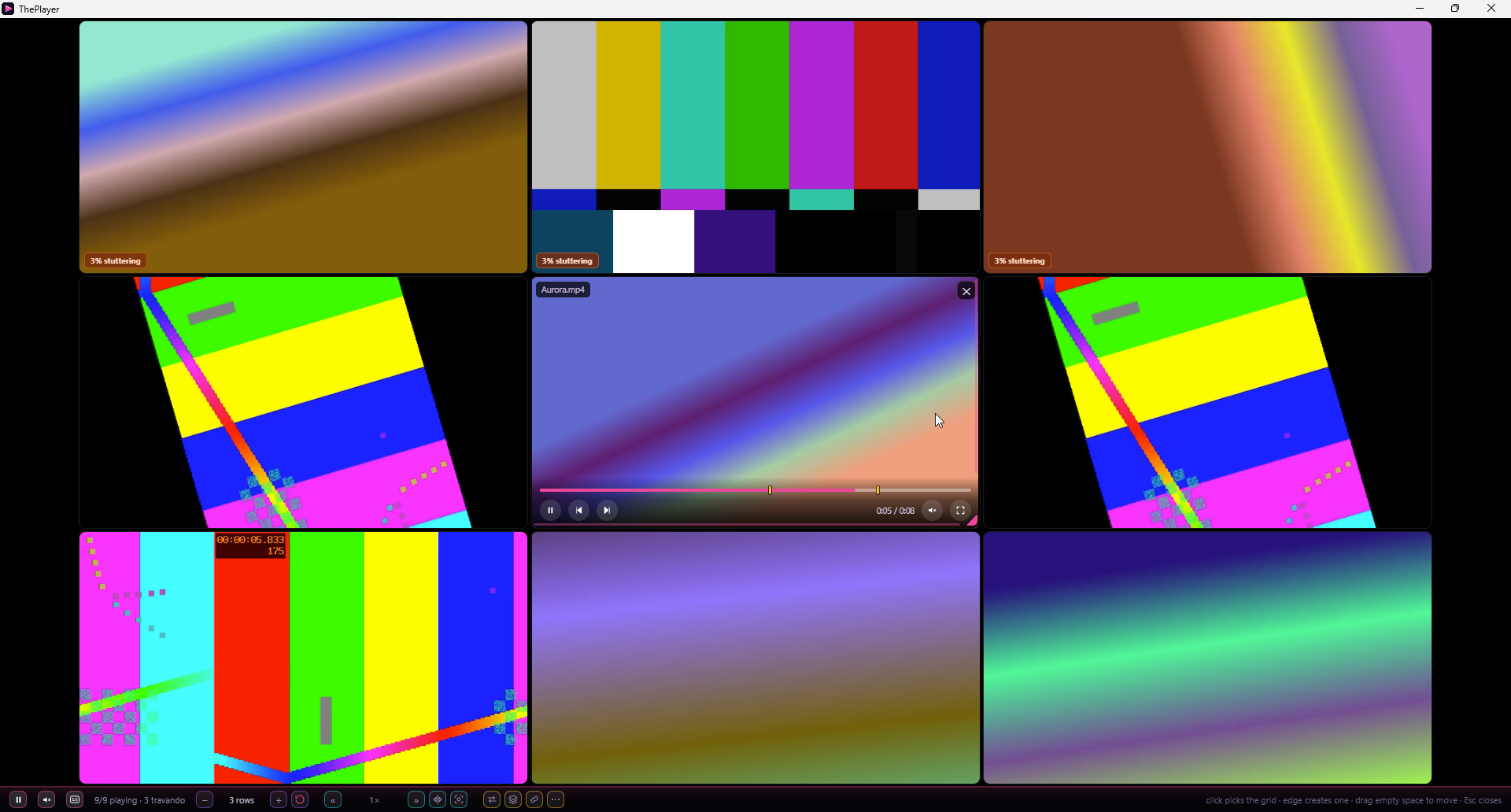
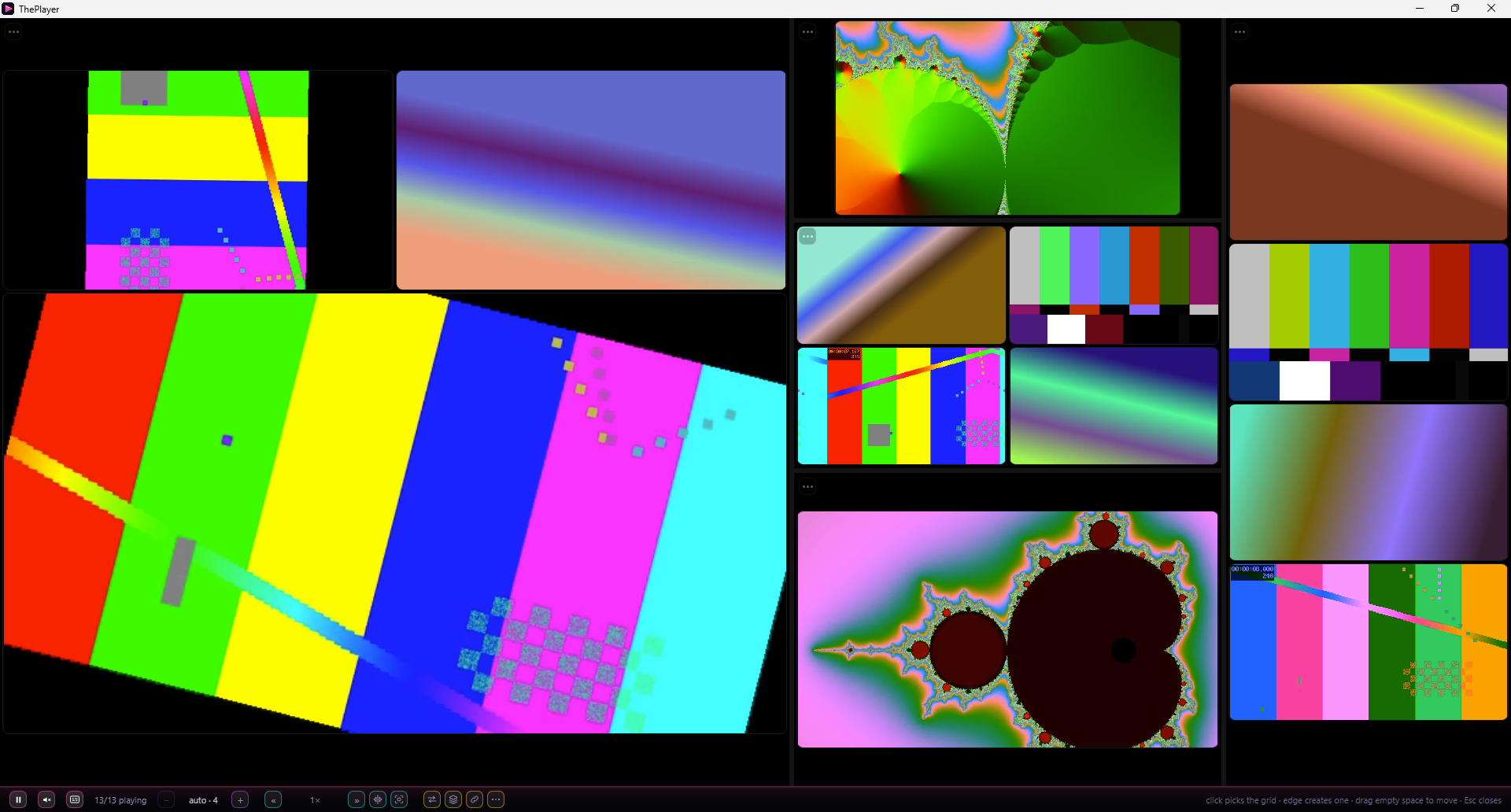
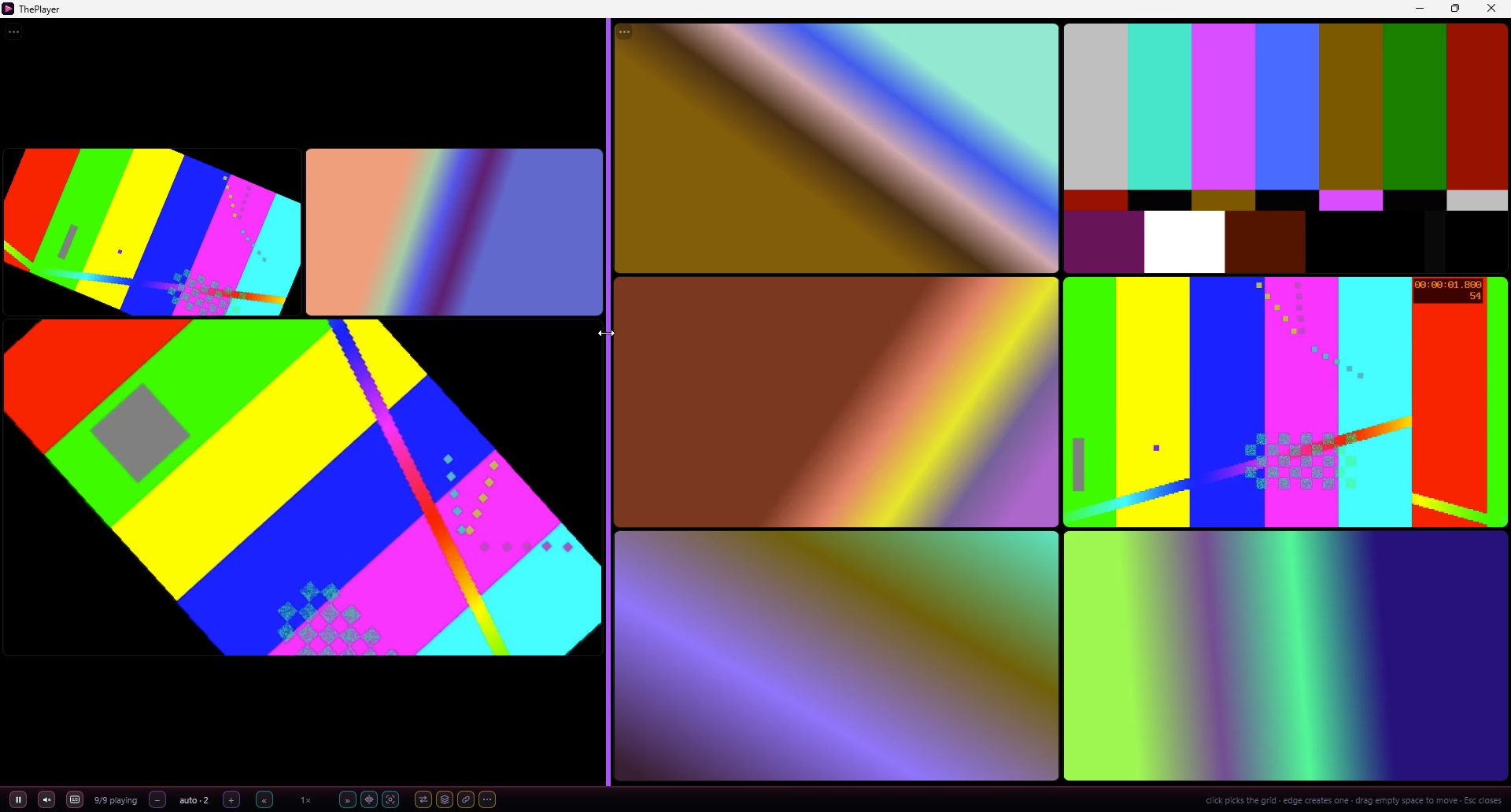
Most organisers give you a list and a preview pane. This one gives you a player that runs many videos at the same time, in a grid, each one independent:
- pick any number of files and open them together
- every cell plays, seeks, loops and mutes on its own
- save a grid layout and reopen it later exactly as it was
- open at a random moment of each video instead of the first frame
- mark moments inside a video and jump back to them
- hover a thumbnail to scrub through the video without opening it
If you have ever wanted to skim forty files instead of opening forty windows, that is what this is for.
What else is in it
- Tags with categories, where the colour tells you the category at a glance
- Security — a password screen and a panic key that instantly covers both windows and pauses whatever is playing
- Backup and restore of the index and your tags
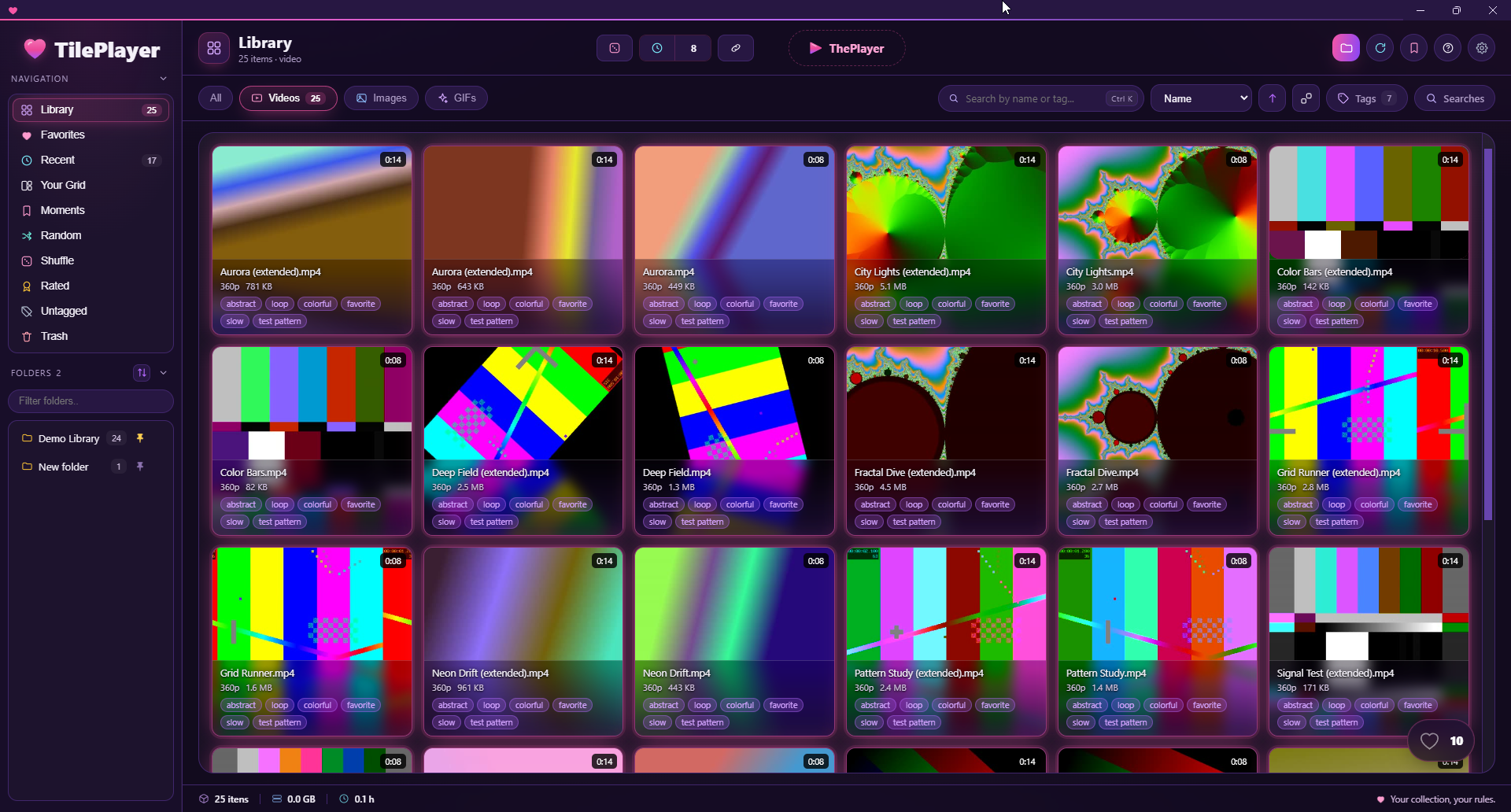
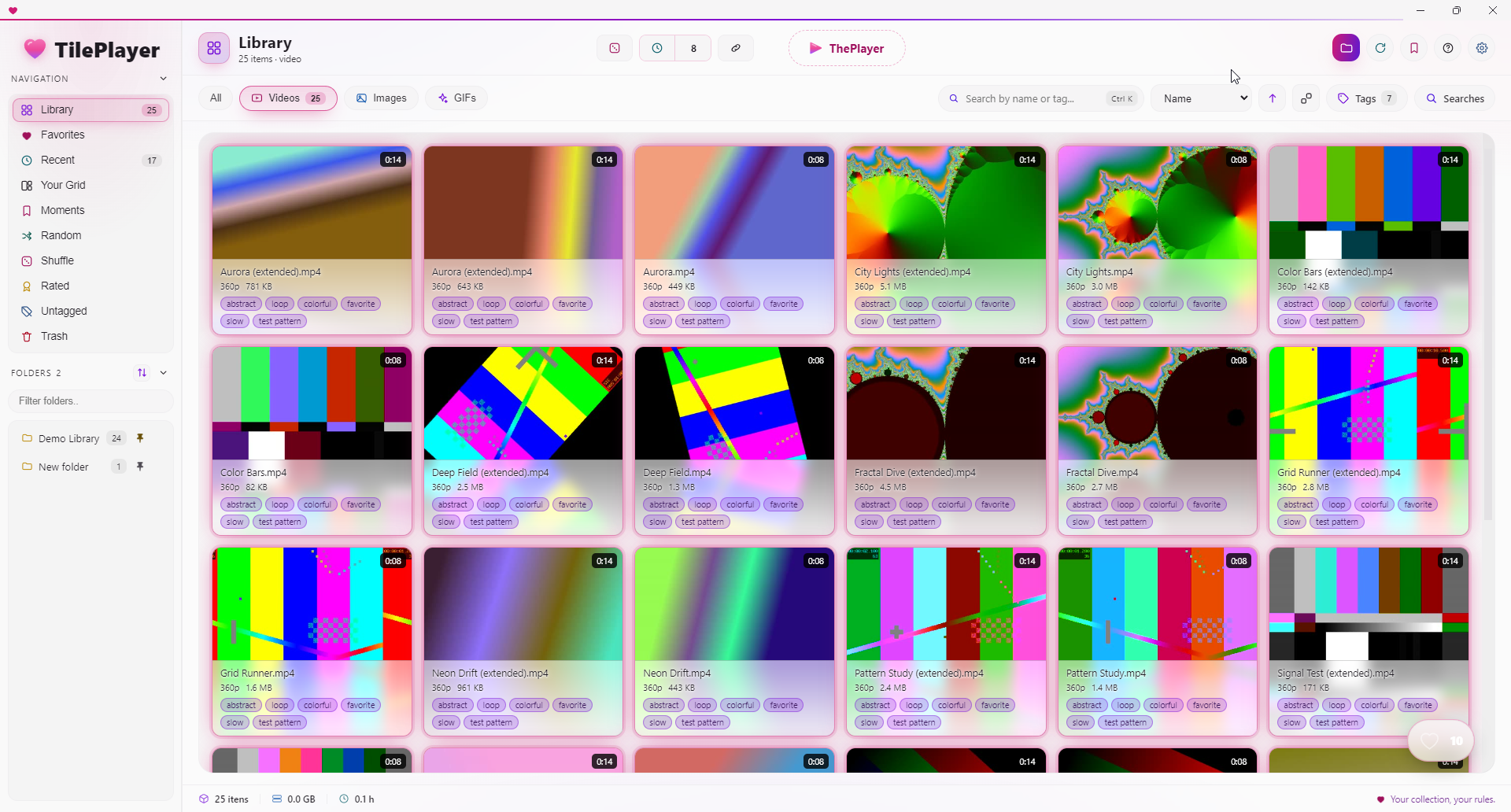
- Four themes (Dark, Gray, Light, Neon), and a lighter mode for weaker machines
- English, Spanish and Portuguese
- Duplicate finder, folder renaming, ignore lists, and a bulk importer
Your files are never moved, renamed, converted or re-encoded unless you explicitly ask for it. Removing something from the app removes it from the index, not from your disk.
Windows only
This is a Windows application: Windows 10 or 11, 64-bit. There is no macOS build and no Linux build, and I am not planning one.
Downloads are provided:
Installer — normal Windows setup, creates Start Menu and desktop shortcuts. Pick this one if you are unsure.
Portable — a single .exe that runs from anywhere, including a USB drive. Nothing is installed and no shortcuts are created.
About the Windows warning
This app is not code-signed, and Windows will warn you about it.
When you run it you will see a blue screen saying "Windows protected your PC — unknown publisher". That is not a virus alert. It means the file has no paid certificate attached to it, so Windows cannot show a company name.
To run it: click More info, then Run anyway.
Code-signing certificates cost a few hundred dollars a year and require a verified legal identity. This is a one-person project sold at a low price, so it does not have one. You get the SHA-256 checksums of both files below — if you want to verify that what you downloaded is exactly what I uploaded, that is how.
If that warning is a dealbreaker for you, please do not buy. I would rather say this before you pay than argue about it afterwards.
What kind of PC you need
To run it at all
- Windows 10 or 11, 64-bit
- 8 GB RAM
- Any CPU from the last several years
- ~400 MB of disk for the app, plus room for the thumbnail cache
To get the grid player at full speed
- A 6-core CPU or better
- 16 GB RAM
- A GPU with hardware video decoding — this matters more than raw power, and it matters a lot for H.265/HEVC files
- The library on an SSD
What "at full speed" actually means, measured
The limit is not the number of videos, it is the total number of pixels being decoded. On a Ryzen 5 5600X with an RTX 4060 and 16 GB of RAM:
up to 51.8 megapixels
smooth
74.6 megapixels
frames start dropping
| result |
|---|
In practice that means roughly 25 videos at 1080p, or about 6 at 4K, playing at the same time before anything degrades. Push it to 36 videos at 1080p and about 15% of frames are lost; 9 videos at 4K at the same pixel total lose about 55%.
The app does not stop you from opening more than that. It tells you how many megapixels you just asked for, and lets you decide. Shrinking the tiles does not help — the decoder works on the file's resolution, not on how big the tile looks on screen.
What it opens
Video — .mp4 .mkv .webm .avi .mov .wmv .flv .m4v .mpg .mpeg .ts .m2ts
Images — .jpg .jpeg .png .webp .bmp .avif .jfif
Animated GIFs — .gif, treated as their own kind, not as still images
Subtitles — .srt .vtt .ass .ssa .sub found next to the video (a Subs folder counts), or embedded inside an .mkv
Anything with another extension is ignored completely — it will not show up in the library at all. The ones people ask about most: .heic and .heif (photos straight off an iPhone), .tif, .svg, and camera RAW files (.cr2, .nef, .arw, .dng). On the video side, .mts, .3gp, .vob and .rm are out — note that .m2ts is supported and .mts is not.
Indexed is not the same as playable
The extension decides whether a file is indexed. What is inside the file decides whether it plays: playback uses the browser engine bundled with the app, and it decodes fewer formats than the thumbnail tool does. So a file can sit in your library, with a correct thumbnail, and still refuse to play.
In practice this hits old files:
.aviencoded with DivX or Xvid.wmvencoded with VC-1 / WMV3.mpg,.mpegand.tscarrying MPEG-2.mkvwith 10-bit H.264 (the "Hi10P" profile common in older anime rips)- tracks with AC-3 or DTS audio, which may play as video with no sound
What does work is the overwhelming majority of what exists today: H.264 and H.265/HEVC in .mp4 and .mkv, VP9 and AV1 in .webm. If your library came from the last decade, you are almost certainly fine.
When a file will not play, it is still organised: it keeps its tags, its folder, its thumbnail, and it still turns up in search. Only playback fails. The app will not convert or re-encode it for you — that is not what this is.
Refunds
All sales are final. I do not offer refunds.
This is a digital file with no licence key and no activation — once it is downloaded, it cannot be returned. Everything I know that might make you not want it is written on this page: Windows only, unsigned, one developer, no support contract.
Please read this page and watch the video before buying. If something here is unclear, ask me first — I would much rather answer a question than take money from someone who ends up unhappy.
This app was built with AI
Every line of code in TilePlayer was written by an AI model, directed by one person. I am saying so up front because you have a right to know what you are paying for.
What that does not mean is unchecked. The app ships with an automated test suite that runs against each build and measures the things this page claims — the performance numbers above came out of it, not out of my head.
What it does mean: this is not a company. There is no support team, no roadmap, and no promise of updates. It is one program that does what the page says it does.
Purchase
In order to download this tool you must purchase it at or above the minimum price of $8 USD. You will get access to the following files:
Leave a comment
Log in with itch.io to leave a comment.